
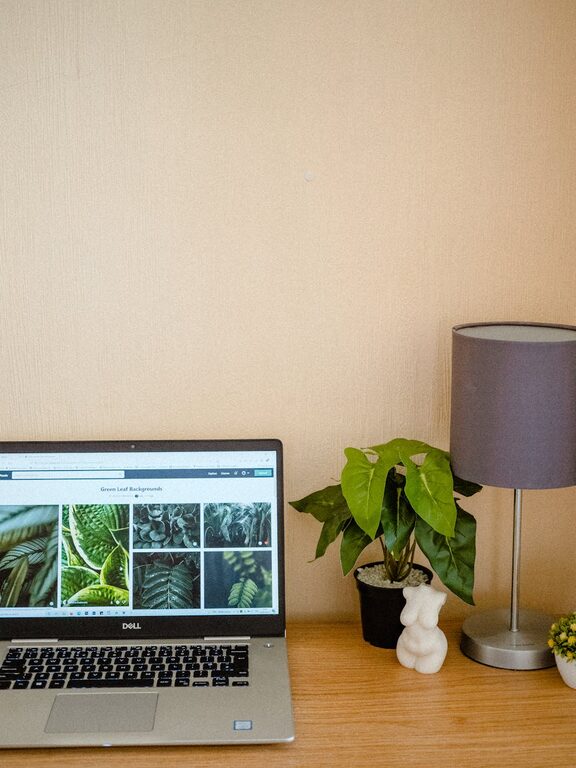
Creating a home workspace that is both cozy and productive can significantly improve your daily work experience. Whether you’re working remotely full-time, freelancing, or just need a dedicated spot for occasional tasks, a well-designed workspace helps boost focus and comfort. Here are helpful tips to set up a space that invites you to work efficiently while feeling relaxed.
1. Choose the Right Location
Consider natural light
Pick a spot with plenty of natural light if possible. Natural light helps regulate your body clock, improve mood, and reduce eye strain. Position your desk near a window but avoid glare on your computer screen by using sheer curtains or adjustable blinds.
Minimize distractions
Select a quiet corner or room away from busy household areas. If you live in a noisy environment, consider soundproofing options or use noise-canceling headphones to maintain concentration.
2. Invest in Comfortable Seating and Ergonomics
Choose an ergonomic chair
Your chair should support good posture and be adjustable to fit your height and desk setup. This helps reduce back and neck pain, enabling longer, more comfortable work sessions.
Set your desk height correctly
Aim for a desk height where your elbows rest at about 90 degrees when typing. You can use a height-adjustable desk or keyboard tray to achieve the perfect alignment.
Use supportive accessories
Consider adding a footrest, monitor stand, or lumbar cushion to enhance comfort and reduce strain.
3. Personalize Your Space to Boost Comfort
Add soft textiles
Incorporate cozy items like a throw blanket, rug, or cushioned chair pad. These soften the space and make it inviting without adding clutter.
Use calming colors
Opt for soothing colors like soft blues, greens, or neutrals on walls and accessories. Color psychology suggests these tones can reduce stress and promote focus.
Display inspiring items
Decorate with artwork, plants, or meaningful objects that motivate you and create a positive atmosphere.
4. Optimize Lighting for Both Focus and Ambiance
Layer your lighting
Combine natural light with task lighting and ambient lighting. A desk lamp with adjustable brightness allows you to control the light exactly where you need it.
Avoid harsh overhead lighting
Bright, direct ceiling lights can be tiring. Consider using softer bulbs or diffusers to create a warm glow.
5. Organize for Clarity and Efficiency
Declutter regularly
Keep your desk clear of unnecessary items to reduce distractions. Use small storage solutions like trays, pen holders, or drawer organizers to keep essentials tidy.
Use vertical space
Shelves or pegboards help store supplies within reach without taking up desk space. This keeps important items accessible but out of the way.
Implement a system
Whether it’s labels, color-coding, or a filing system, having an organizational method makes it easier to find what you need quickly.
6. Incorporate Technology Thoughtfully
Use wireless devices
Wireless keyboards, mice, and printers reduce cable clutter and give you more freedom to arrange your workspace.
Manage cables
Use cable clips, sleeves, or under-desk trays to keep cords organized and prevent tangling.
Upgrade your gear
Invest in a quality monitor, keyboard, and headset that suit your work needs and comfort preferences.
7. Take Breaks to Maintain Productivity
Set a timer or schedule breaks
Regular short breaks can refresh your mind and prevent fatigue. Use techniques like the Pomodoro Method to work in focused intervals.
Create a dedicated relaxation spot
If space allows, add a small area with a comfy chair or cushion to step away from your desk when you need a pause.
8. Keep Plants Nearby
Benefits of greenery
Plants improve air quality and add a touch of nature, which can reduce stress and increase creativity.
Easy-care options
Choose low-maintenance plants like succulents, snake plants, or pothos if you’re new to plant care.
Conclusion
Designing a cozy and productive home workspace involves balancing comfort with functionality. By selecting the right location, investing in ergonomic furniture, personalizing your space, optimizing lighting, staying organized, managing technology, taking breaks, and adding plants, you can create an environment that supports your best work. Remember, a workspace should reflect your unique needs and preferences—take time to adjust and improve it as you find what works best for you.